
🔥 Introduction
ChatGPT has become the world’s most powerful AI assistant. You can use it to write content, study, research, code, build a business, automate tasks, and even make money — but only if you know how to use it effectively.
Most beginners use ChatGPT like a simple chatbot…
Pros use it like a full-time personal assistant.
This guide will teach you how to go from a beginner to a ChatGPT Power User in under 15 minutes.
⭐ 1. What Is ChatGPT and How Does It Work?

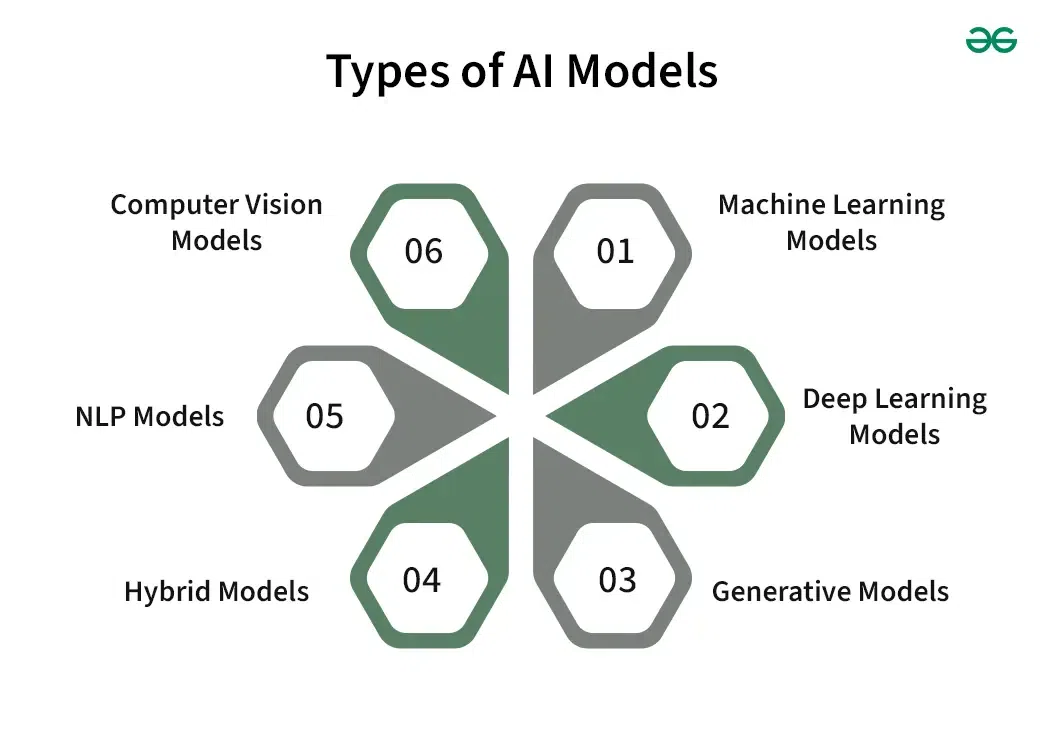
ChatGPT is an AI language model that understands questions and generates human-like responses.
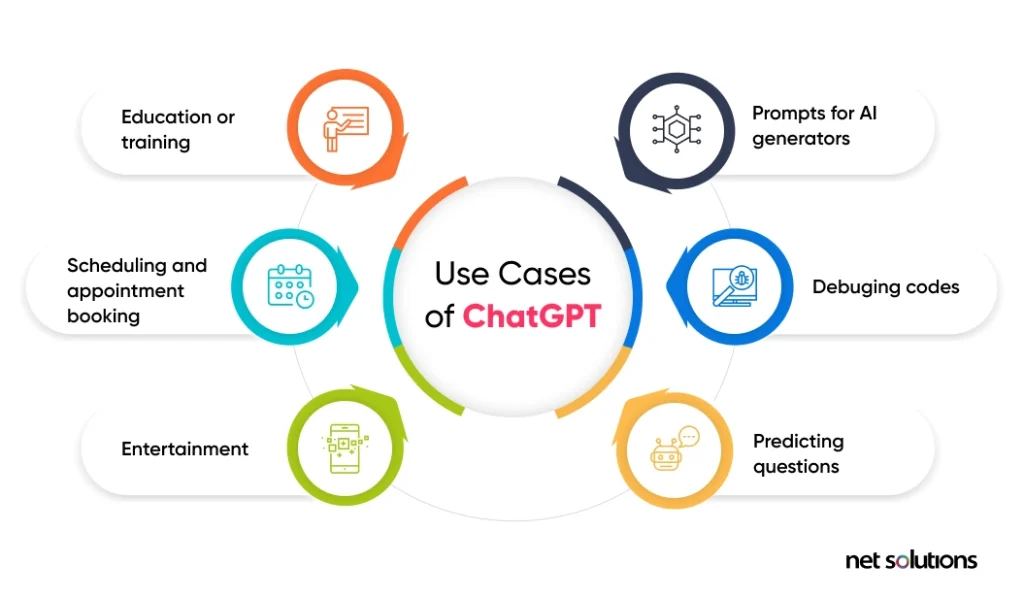
You can use ChatGPT for:
Writing & content creation
Studying & research
Social media & marketing
Business automation
Coding & debugging
Productivity & planning
Side hustles
Creative work (stories, art prompts, ideas)
Think of ChatGPT as a smart assistant who never gets tired.
⭐ 2. Getting Started With ChatGPT (Beginner Setup)
✔️ Step 1: Create an Account
Sign up using Google, email, or Apple.
✔️ Step 2: Choose a Model
GPT-5 / GPT-4 → Best for writing, research, coding
GPT-Vision → Works with images
GPT-Image → Creates AI images
GPT-o models → Faster, lighter
✔️ Step 3: Start With Simple Prompts
Example:
“Explain how ChatGPT works in simple words.”
⭐ 3. The Secret to Getting Better Results: Role-Based Prompts

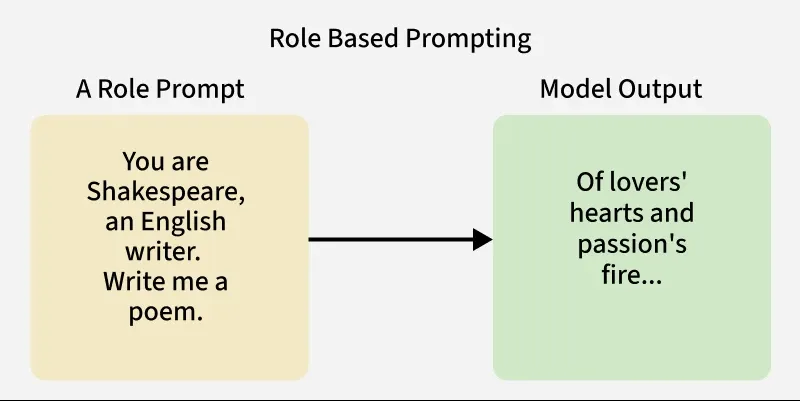
Professionals always start with role prompts:
✔️ Structure:
“Act as a [role]. I want to achieve [goal]. Here are the details: [info].”
✔️ Best Examples:
Act as a digital marketer → “Create a marketing plan for my store…”
Act as a teacher → “Explain this chapter with examples…”
Act as a business consultant → “Analyze my startup idea…”
Act as a coder → “Fix this code error…”
Role prompts make ChatGPT behave like an expert — not just a chatbot.
⭐ 4. How to Write the Perfect Prompt (Prompt Formula)
Here’s the winning formula:
Role → Task → Context → Format → Tone → Length
Example:
Role: Act as a professional blogger
Task: Write an SEO-optimized blog
Context: Topic = best travel destinations
Format: Use headings, bullet points
Tone: Friendly
Length: 1200 words
Better prompts = better output.
⭐ 5. Things You Didn’t Know ChatGPT Can Do
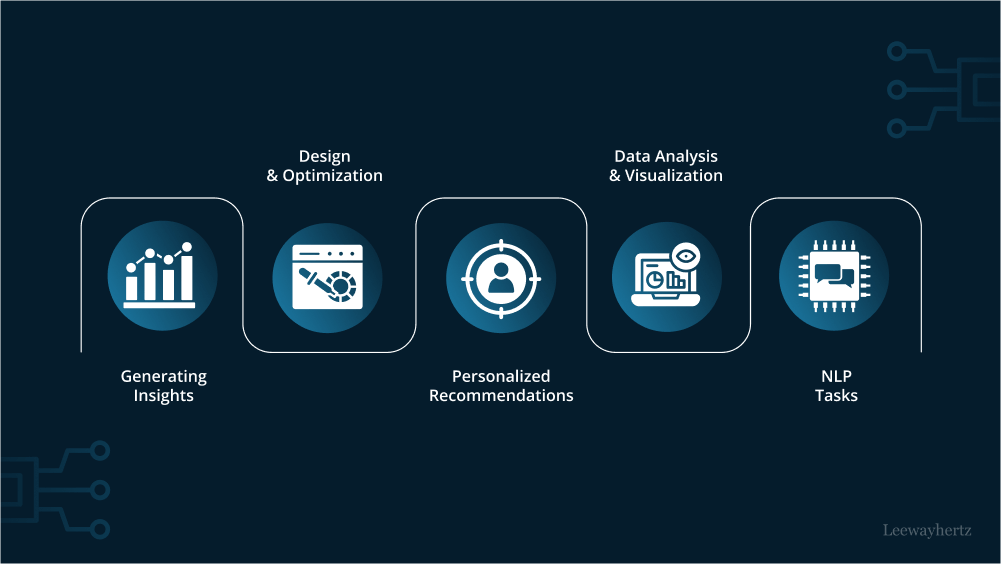

✔️ 1. Analyze Photos
You can upload an image and ask:
“Explain what’s happening in this picture.”
✔️ 2. Read Documents (PDF, Word, etc.)
Ask:
“Summarize this PDF into quick notes.”
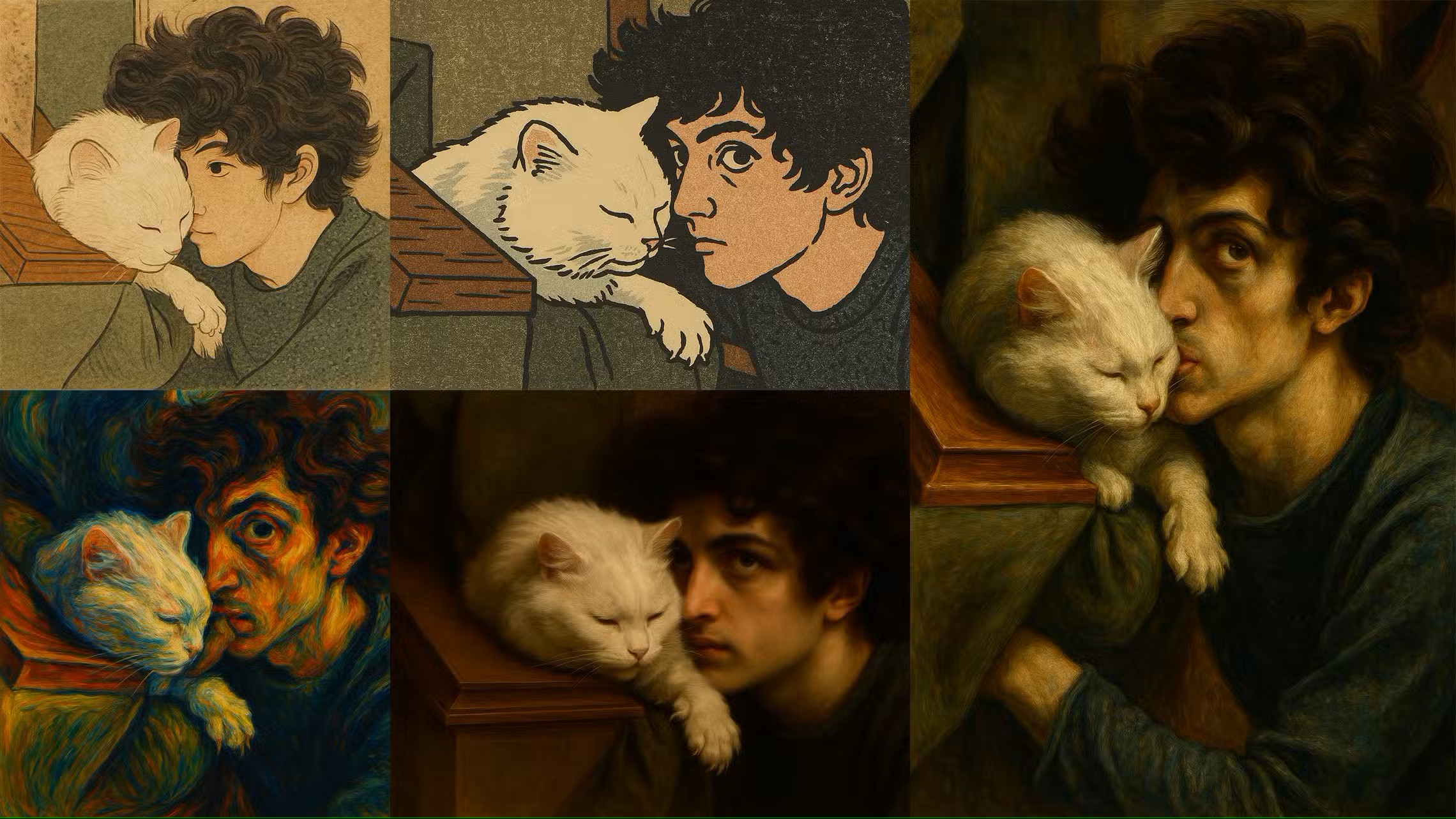
✔️ 3. Create AI Images
Use prompts like:
“Create a minimal modern logo for a clothing brand named Harvinest.”
✔️ 4. Generate Full Business Plans
Tell it your idea, and it generates:
Market analysis
Marketing plan
Cost breakdown
Target customers
Website strategy
✔️ 5. Write Code or Fix Code Errors
✔️ 6. Translate any language accurately
✔️ 7. Create schedules, habits, and routines
⭐ 6. 20 Must-Have ChatGPT Prompts for Beginners
Here are beginner-friendly prompts that always work:
“Explain this topic in simple words: [topic].”
“Summarize this text into key points.”
“Write a professional email for requesting [something].”
“Create a weekly study plan for me.”
“Turn this paragraph into a social media caption.”
“Create a business name and tagline for a [type] business.”
“Make my text sound more professional.”
“Give me content ideas for my niche: [topic].”
“Write a YouTube script about [topic].”
“List the pros and cons of doing [decision].”
“Improve my resume summary.”
“Give me high-income skills I can learn in 2025.”
“Fix this grammar: [paste text].”
“Rewrite this text to be more engaging.”
“Explain this like I’m 5 years old.”
“Create a fitness routine for beginners.”
“Plan a 7-day travel itinerary for [location].”
“Help me start an online business with low investment.”
“Generate 5 logo ideas for a brand named [name].”
“Rewrite my message in a polite tone.”
⭐ 7. Common Mistakes Beginners Make

Avoid these to get better results:
❌ Using short prompts
❌ Not giving context
❌ Not asking for a specific format
❌ Not giving examples
❌ Expecting perfect results in one try
ChatGPT improves with refining.
⭐ 8. Expert Tips to Use ChatGPT Like a Pro
✔ Give examples
✔ Ask it to “improve” instead of “rewrite”
✔ Use “continue” for long content
✔ Use "Regenerate" to compare versions
✔ Save your best prompts as templates
⭐ Conclusion
ChatGPT is one of the most powerful tools in the world.
By using smart prompts, clear instructions, and role-based commands, you can turn it into your personal assistant, researcher, marketer, tutor, and creator — all in one.
This guide is just the beginning.
As you practice, you’ll become a true AI power user.