?unique=f5b359d)

A logo is the face of your brand — it’s the first thing people notice and the symbol they remember. The good news? You don’t need expensive software or advanced design skills to create a professional-looking logo. With Canva, anyone can design a clean, modern, and memorable logo in minutes.
In this guide, you’ll learn how to create a logo on Canva step-by-step, the best logo styles for 2025, and pro tips to make your design stand out.
⭐ Why Canva Is Perfect for Logo Design
Beginner-friendly interface
Thousands of customizable logo templates
Access to icons, shapes & premium graphics
Brand Kit for consistent branding (Pro feature)
Export options for PNG, SVG & transparent backgrounds
Whether you’re creating a logo for a business, website, YouTube channel, or social page — Canva gives you everything you need.
🎨 Step 1: Choose the Right Logo Style
Before designing, decide on a visual direction.
Popular 2025 logo styles include:
✔ Minimal Logo
Clean lines, simple shapes, modern look

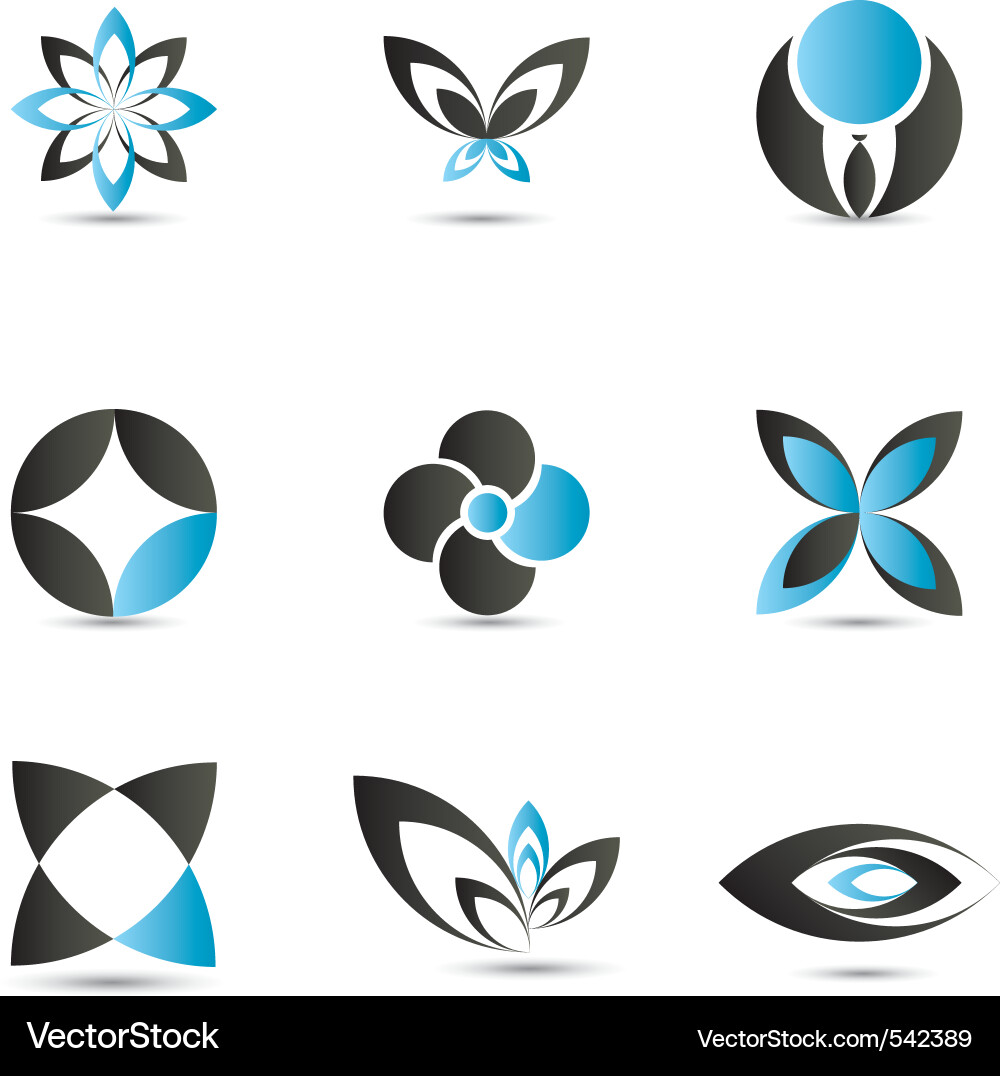
✔ Geometric Logo
Symmetry, shapes, tech-friendly
✔ Aesthetic Logo
Soft colors, serif fonts, feminine vibe
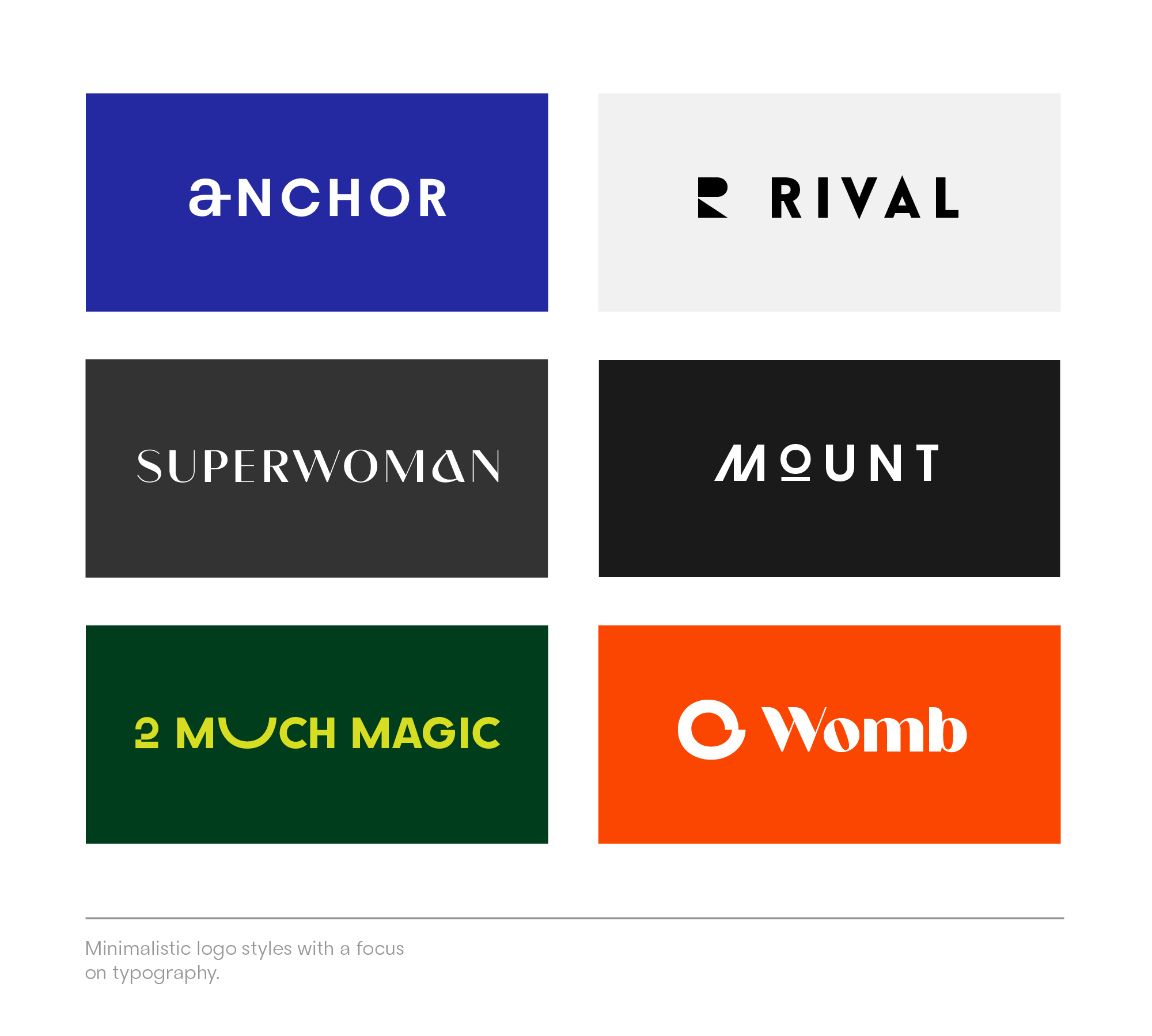
✔ Bold & Typography Logo
Strong fonts, ideal for brands with personality
🧩 Step 2: Browse Canva Logo Templates
Search inside Canva for:
“Minimal logo”
“Business logo”
“Monogram logo”
“Luxury logo”
“Modern startup logo”
Choose a template that matches your brand’s tone, then begin customizing.
✏️ Step 3: Add Your Brand Name & Tagline
✔ Keep your brand name short
✔ Use 1–2 fonts maximum
✔ Maintain readability at small sizes
Best Canva fonts for logos:
Montserrat (clean + modern)
Playfair Display (elegant + luxury)
League Spartan (bold + strong)
Lora (soft + premium)
Cinzel (royal + vintage)
🎯 Step 4: Select Colors That Represent Your Brand
Choose a color palette:
Blue → Trust, business
Black/White → Luxury, minimal
Green → Eco, growth
Orange/Yellow → Friendly, energetic
Pink/Beige → Aesthetic, feminine
Use Canva’s color picker to maintain consistency.
🖼️ Step 5: Add Icons & Shapes
Canva has thousands of icons. Search for:
“abstract shape”
“leaf icon”
“tech icon”
“line art symbol”
“badge shape”
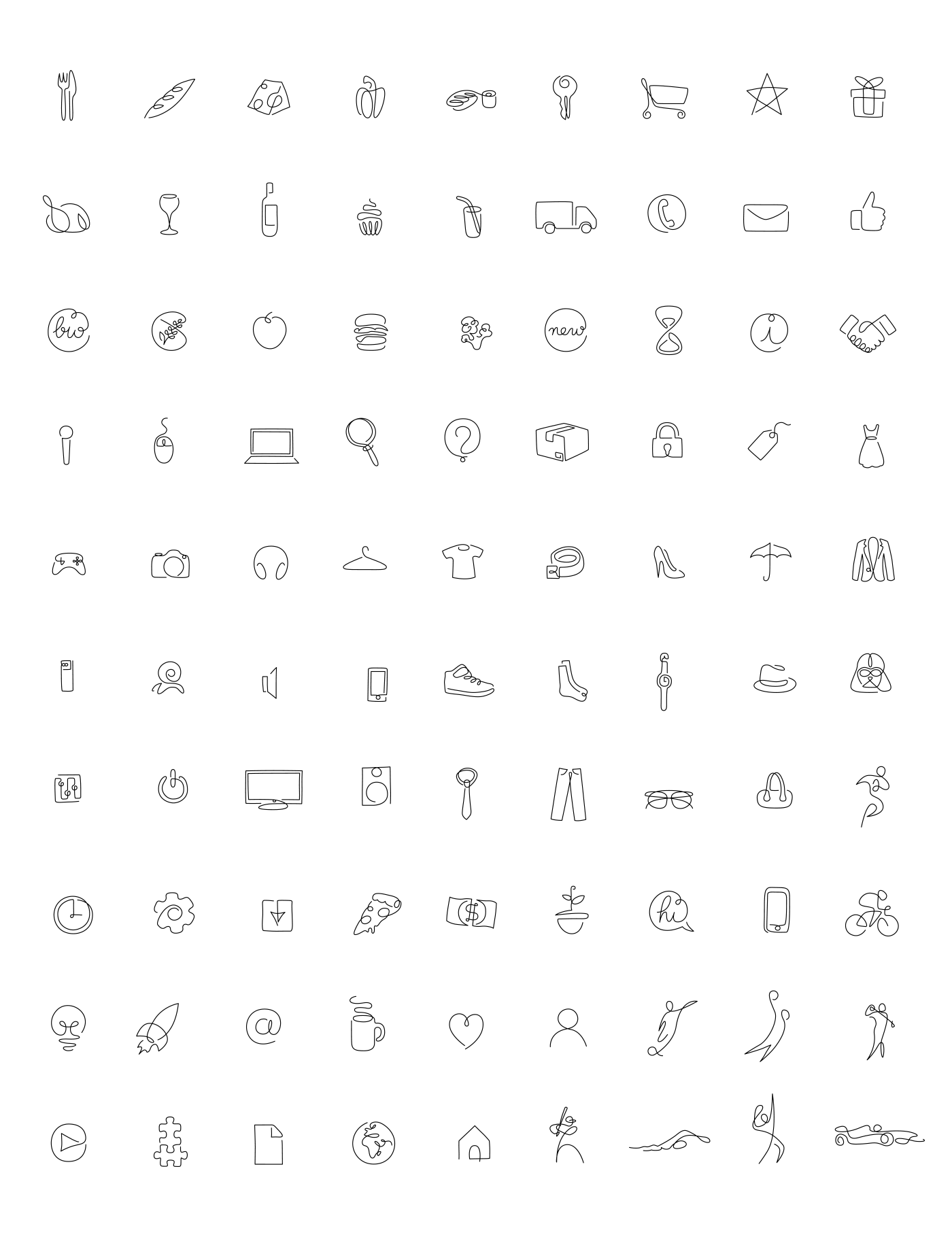

Use simple shapes — complexity weakens a logo.
🧹 Step 6: Adjust Spacing & Alignment
Logos look professional when:
✔ Elements are evenly spaced
✔ Text is aligned properly
✔ Icons are centered
✔ No parts touch the edge
📤 Step 7: Export Your Logo Properly
Choose the right format:
PNG (Transparent Background) → Websites, social media
SVG (Pro Only) → High-quality scaling
PDF → Printing
💡 Pro Tips to Make Your Canva Logo Look Professional
✨ Use grid lines for symmetry
✨ Avoid too many colors
✨ Test your logo at small sizes
✨ Try horizontal & vertical variations
✨ Create a favicon version (square)
🎉 Final Thoughts
Canva makes logo design simple, fun, and highly customizable. Whether you want a minimal, modern, aesthetic, or bold brand identity, you can design a polished, professional logo without needing a designer.